



If you’d rather listen than read, feel free to play the audio file below for the rest of this article.
What the CNC200 Is, and What It Is Not
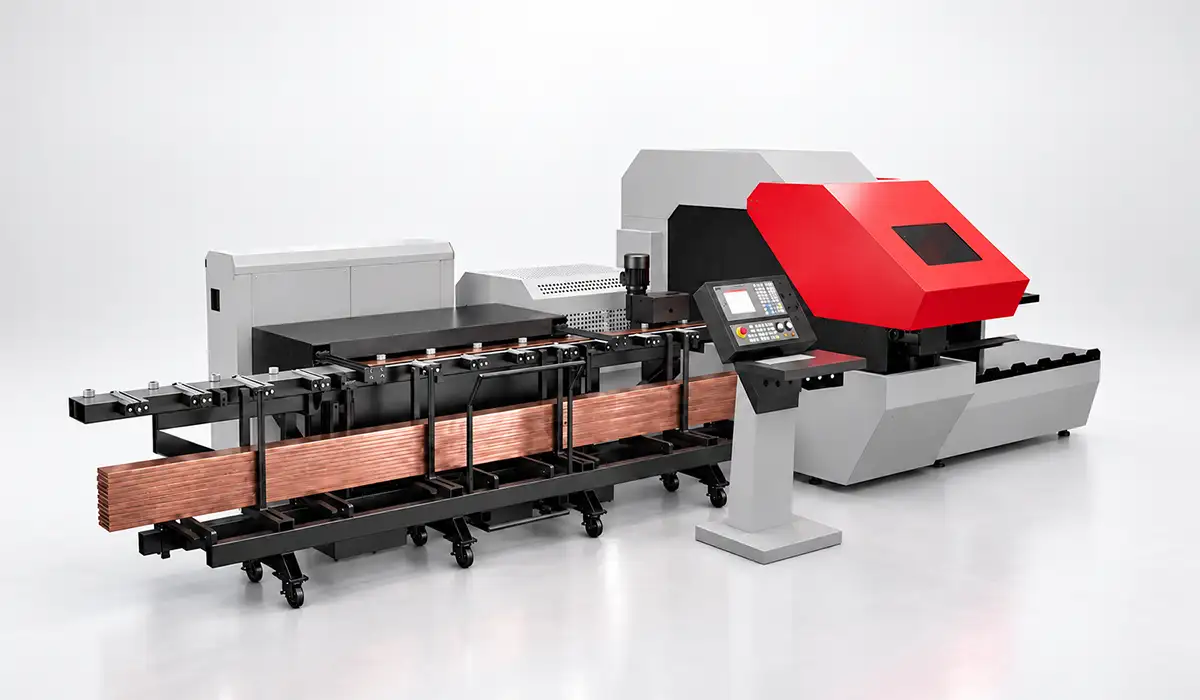
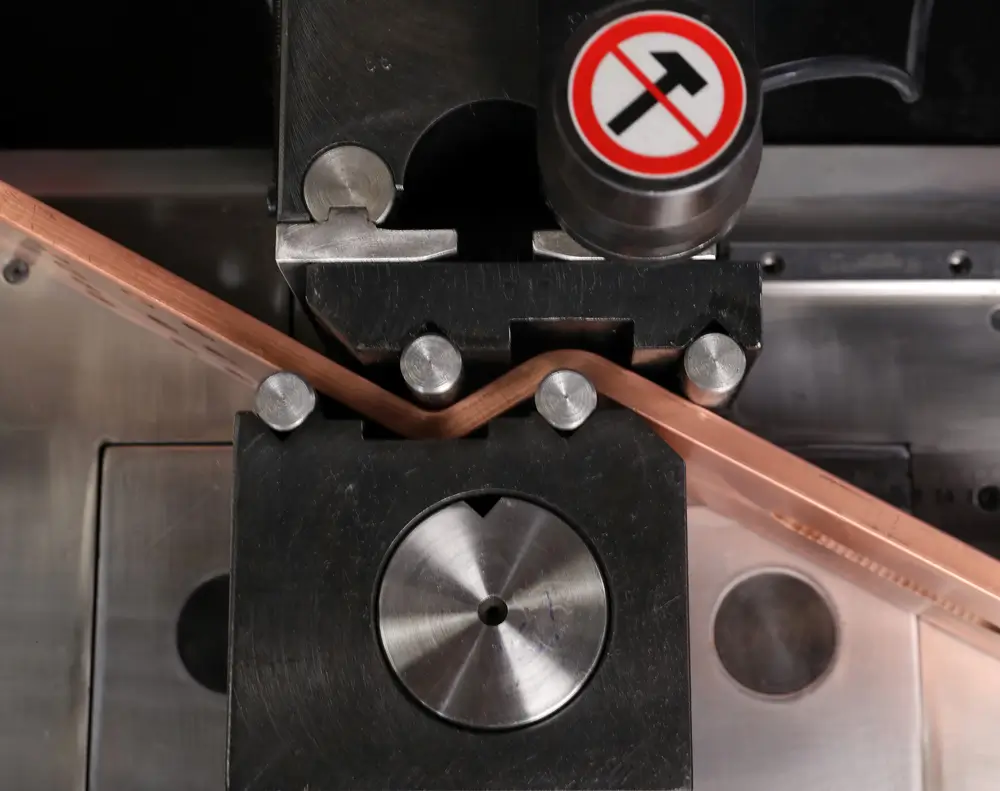
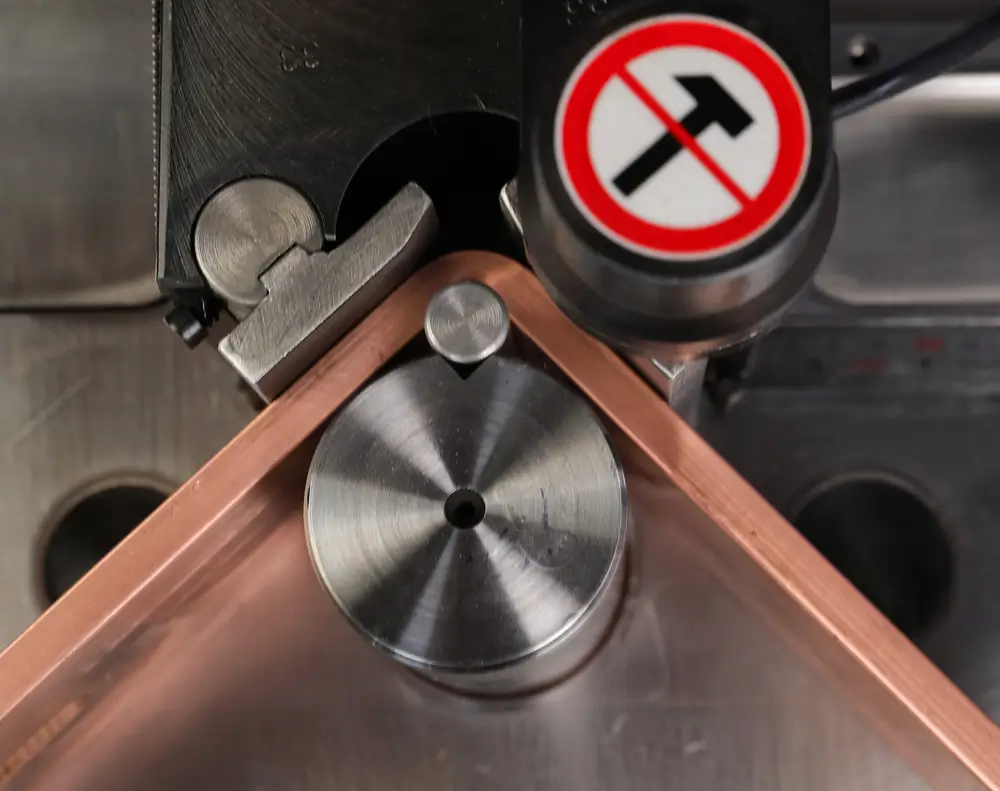
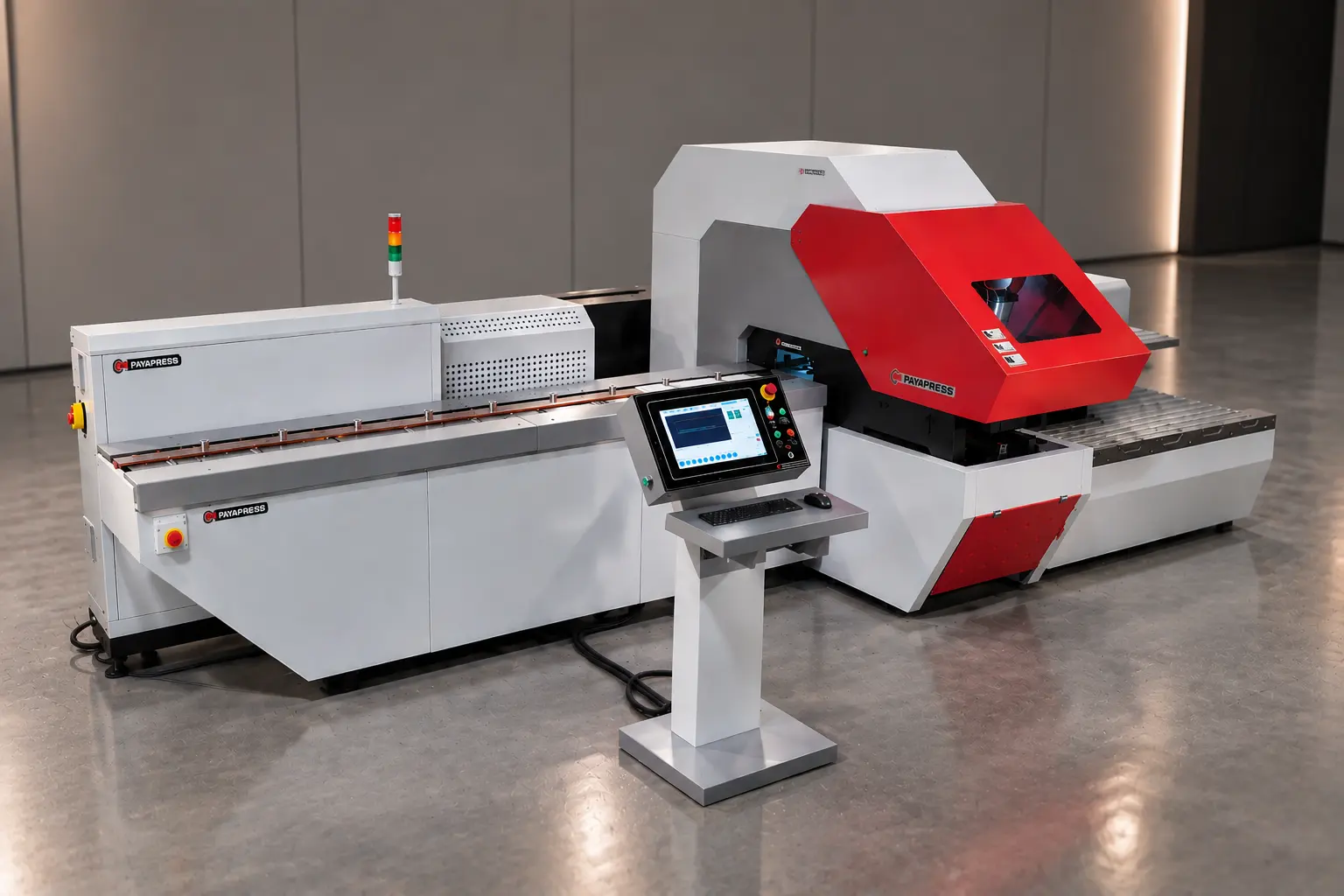
The PAYAPRESS CNC200 cuts and punches busbar. It does not bend. That boundary causes more confusion than any other point, so settle it before anything else.
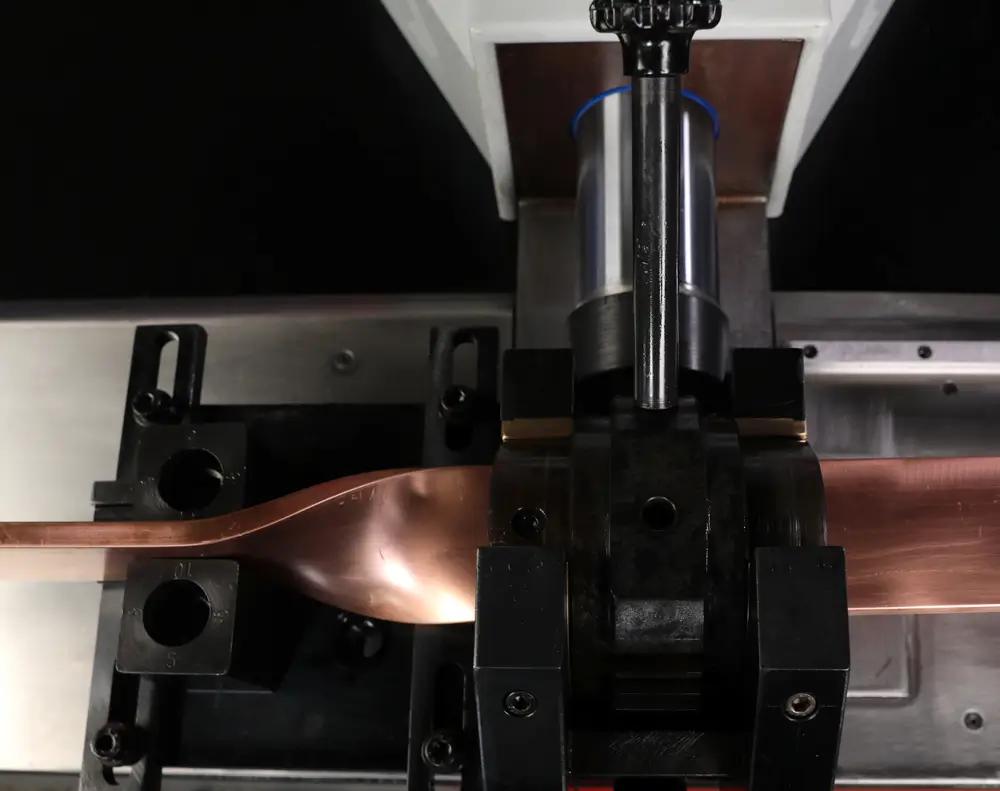
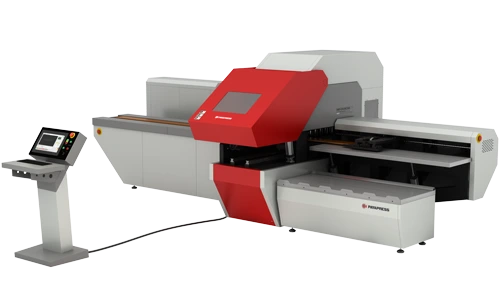
Punching places mounting and connection holes at programmed coordinates, and shearing trims each bar to length. Both operations run from the same programmed drawing within one setup, on bars up to 200 × 15 mm. That makes this CNC200 busbar machine a CNC cutting and punching machine in the literal sense.
Removing the handoff between separate stations changes daily work in three ways. Each bar gets fewer touches, nobody re-clamps it between operations, and bars stop queuing between machines.
The material scope is simple: copper and aluminum busbar. Once the process is launched, the machine runs the whole sequence automatically.
If your shop also needs bending, pair the CNC200 with a bending machine. The PAYAPRESS range covers bending separately.
If you would like to explore this subject further, you can visit CNC busbar machine page
From Drawing to Finished Bar
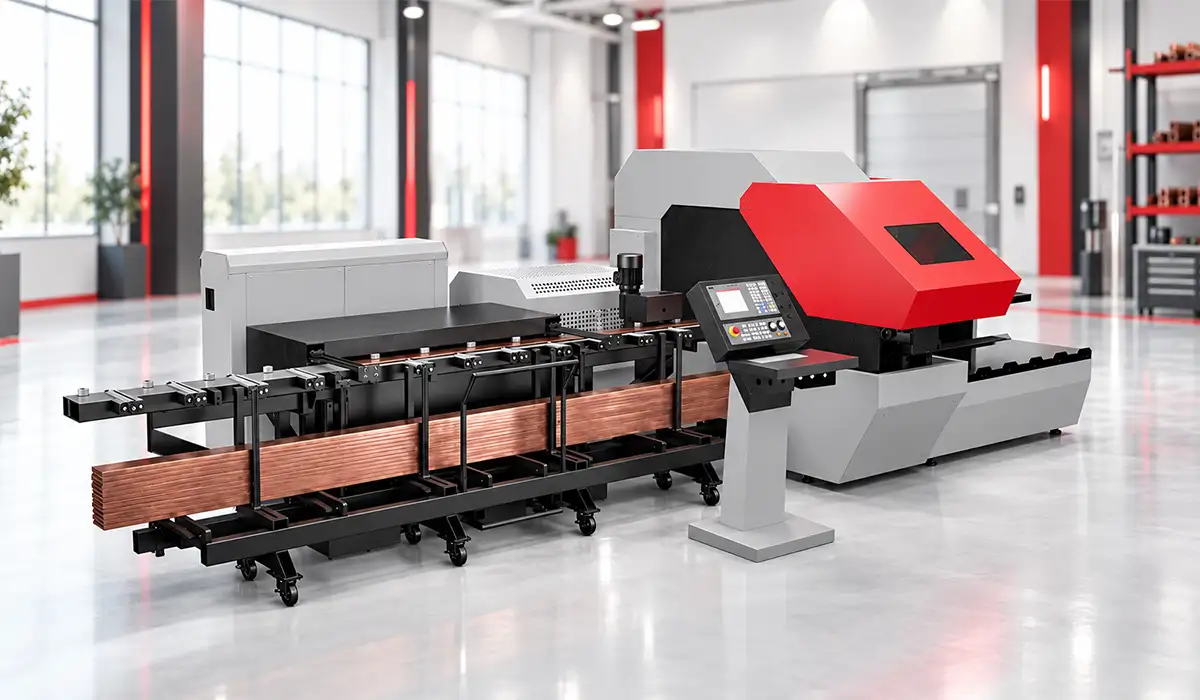
The PAYAPRESS CNC200 turns one stored drawing into a batch of finished bars in five stages, and those stages explain where repeat work saves time.
1. The drawing. CNC programming starts here. The hole pattern and cut lengths are drawn on the control, and the visual plan will be turned into G-code. Drawings can also come from CAD software such as SolidWorks or AutoCAD, with CAM software generating the code. CNC positioning then works from that drawing, not from marks on the bar.
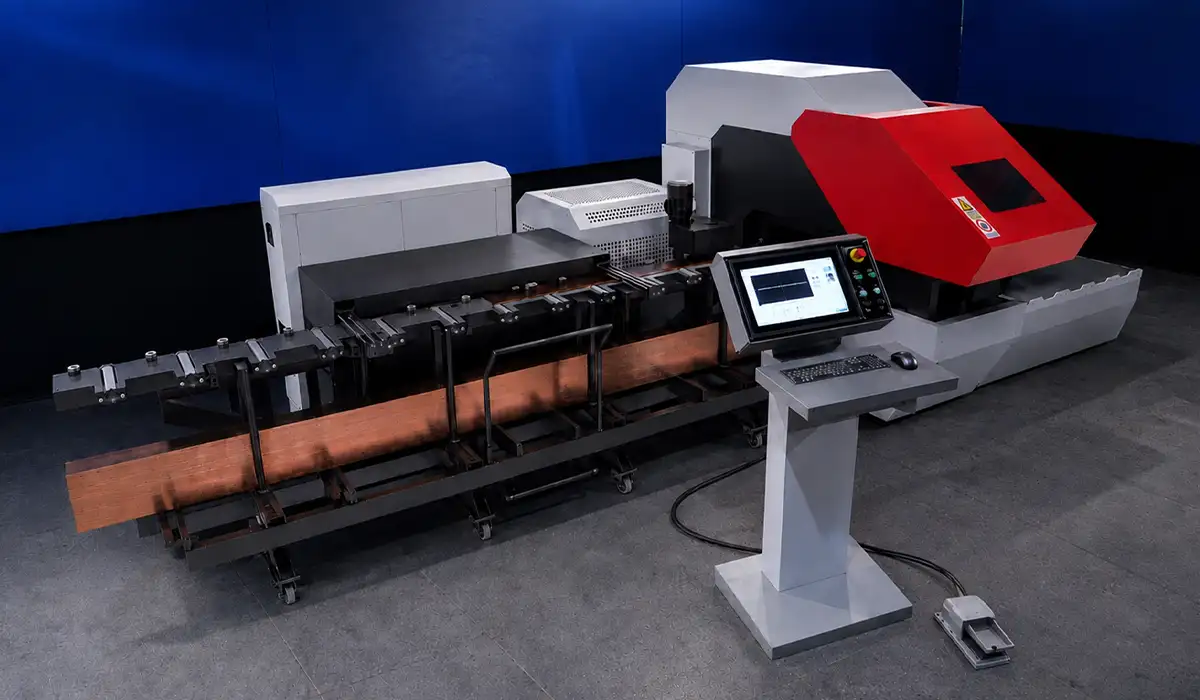
2. Loading. You place the bar in the magazine, the only manual step in the cycle. It feeds on rollers toward the inlet, and the clamp takes location on both sides of the bar.
3. Processing. Cutting and punching run simultaneously. A ball screw and servo motor measure length, so no mechanical stop is involved.
4. Unloading and repeat. The machine releases the bar and guides it out. The clamp then returns to position for the next bar under the same program, so a batch runs without re-entry.
5. Program storage. The control stores each job and recalls it for later orders, which is where repeat work gains its time.
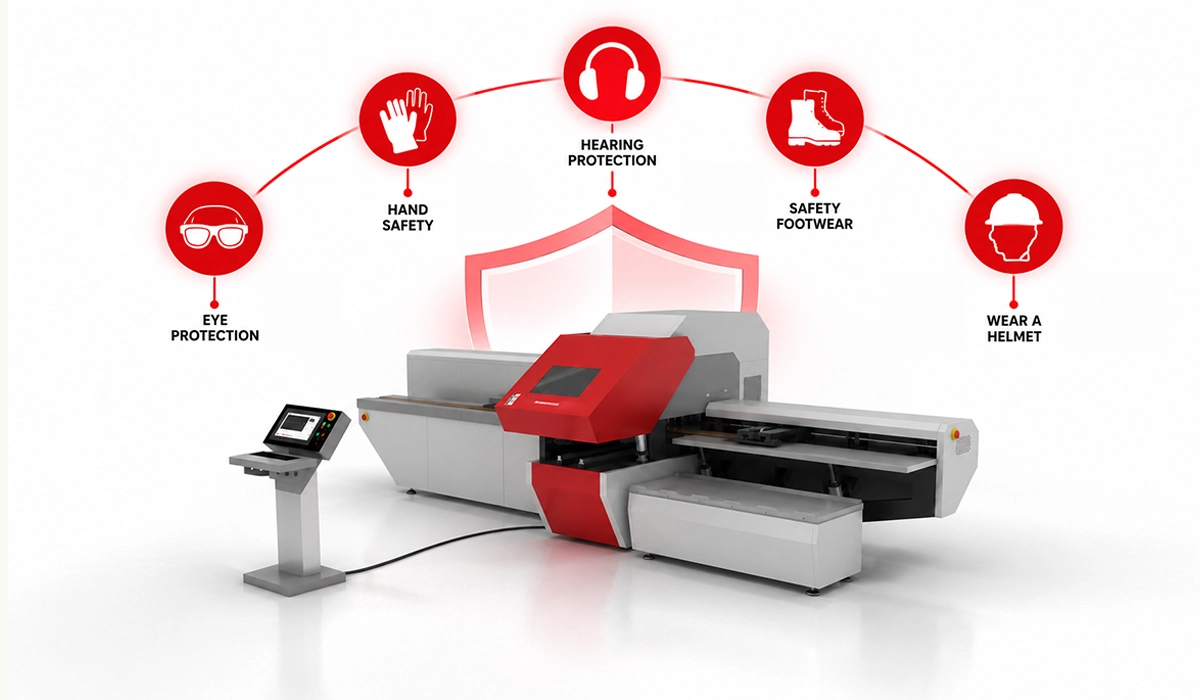
Instructions and drawings reach the machine through the control console. The main key isolator and the emergency stop are the operator’s safety controls.
The most up-to-date information is always published on the official website, so it is worth checking there as well.
Turning a CAD drawing into a running program is its own skill, and getting the workflow right the first time saves rework later. Our guide on how to program a CNC busbar machine walks through that process step by step.
Technical Specifications
The CNC200 specifications below come from the official catalog. Two figures decide most purchases. The 200 × 15 mm processing capacity applies to both cutting and punching, so it sets the largest bar section the machine accepts. The 400 kN figure is the machine’s maximum working force. The table carries everything else. PAYAPRESS declares the exact machine weight after manufacturing, so no estimate appears here.
| Specification | HBC-CP.CNC200 |
|---|---|
| Processing capacity | 200 × 15 mm, cutting and punching |
| Die range | Circle dies, M6 to M20 |
| Maximum busbar length | Up to 4 m |
| Tool stations | 7 on a Y-axis linear carrier (6 punching, 1 cutting) |
| Maximum force | 400 kN |
| Operating pressure | 200 bar |
| Motor power | 11 kW |
| Power supply | 380 V, three-phase, 50 Hz |
| Hydraulic oil | 290 L, H68 |
| Main desk dimensions | 537 × 240 × 188 cm |
| Length measurement | Ball screw with servo motor |
| Control readiness | Industry 4.0 ready (production reporting) |
| Tool change | Quick punch and die change |
These figures only tell part of the story once the machine is installed alongside your other equipment. For a broader look at how it fits into a production line, see our overview of CNC busbar machine equipment.
The Tool Carrier and Die Changes
Seven CNC200 tool stations sit on a Y-axis linear carrier, six for punching and one for cutting. That layout lets a bar with a mixed hole pattern run in one pass, because several hole sizes stay loaded within one program. Nobody stops to change tooling between holes.
Circle dies cover M6 to M20. When a job falls outside te loaded set, quick die change lets you swap punches and dies without a long stop. In practice, your die inventory decides which drawings you can accept without a lead time. PAYAPRESS supplies the punches and dies in cooperation with MATE Precision Technologies, whose worldwide network helps you source replacement and additional tooling.
One discipline matters here. The tool table must match what physically sits in each station. A die swapped without a table update punches the wrong hole from a correct program.
Keeping tool stations and dies in good condition is what keeps quick changeovers quick. Our guide to CNC busbar machine maintenance covers the upkeep that supports this discipline.
Who the CNC200 Suits
The PAYAPRESS CNC200 pays off where cutting and punching to a drawing is the bottleneck, and nowhere else.
Good fits include switchgear and panel manufacturers running steady volumes of cut and punched bar. Shops that receive drawings from panel design software fit well, as do operations where the same parts recur across projects. Plants that want machine production reporting for traceability benefit too. So do shops that already handle bending on another machine, where cutting and punching is the constraint worth removing.
It is the wrong machine if you need bending in the same unit. Occasional, low-volume work also rarely sustains the programming and setup discipline it needs.
Check capacity first, because the frame sets the limit: compare your largest cross-section and longest bar with the ratings. Then ask one question: how much of your panel production is cutting and punching busbar to a drawing that repeats?
For shops still weighing a manual station against full CNC control, the trade-offs are worth laying out side by side before committing to either path. See our comparison of CNC vs manual busbar machines for a closer look.
| Your situation | CNC200 fit |
|---|---|
| Steady cutting and punching to repeating drawings | Good fit |
| Bending already handled on another machine | Good fit |
| Bending needed in the same unit | Choose a 3-in-1 machine |
| Occasional, low-volume work | Programming discipline rarely pays off |
| Bars above 200 × 15 mm or longer than 4 m | Outside the rated capacity |
Fit is only half the decision; the other half is whether the investment pays back at your volumes. Our breakdown of CNC busbar machine ROI can help work through that calculation.
Where It Sits in the PAYAPRESS Range
Among PAYAPRESS busbar machines, the CNC200 is the CNC tier. It combines full program control, drawing-driven positioning, program storage and Industry 4.0 readiness for production reporting.
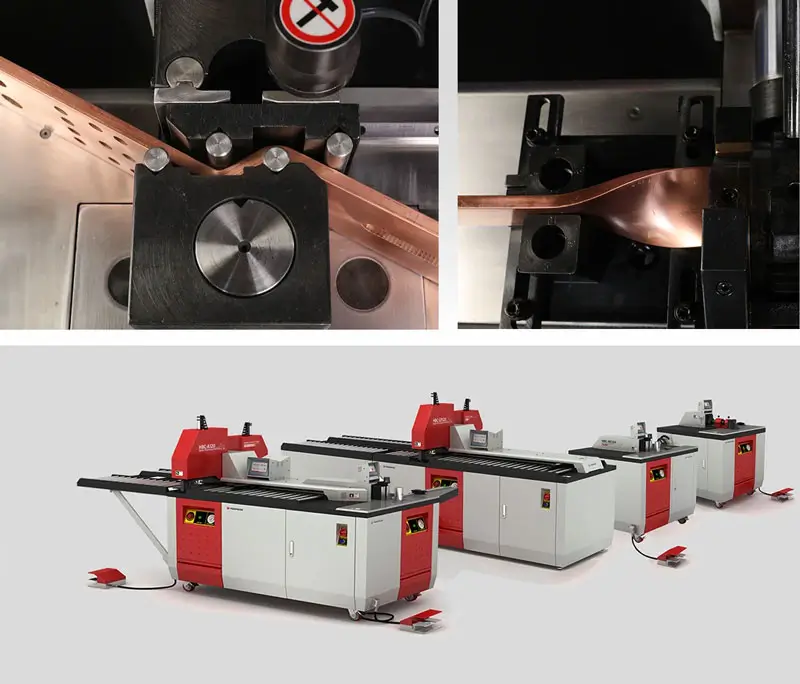
The 3-in-1 machines add a bending station and position with manual or programmable stoppers instead of full part programs. That is a different trade-off, not simply a lesser machine: you gain bending in one unit and give up whole-part program recall. Dedicated cutting and punching machines also cover the same two operations without CNC part programs.
Dedicated bending machines serve shops whose bottleneck is forming rather than cutting and punching. They pair naturally with the CNC200 in a two-machine line, where one machine prepares cut and punched bars and the other forms them.
You can also save a copy for later, which is helpful if you plan to return to this more than once.
Conclusion about CNC busbar machine
The PAYAPRESS CNC200 offers one clear proposition: repeatable cutting and punching of copper and aluminum busbar from a stored drawing. Keep its limits in view too. Capacity tops out at 200 × 15 mm and 4 m bars, and the machine has no bending station. For the full specification and a technical quote.


Rate this article
Choose a rating from 1 to 5 stars.
No ratings yet